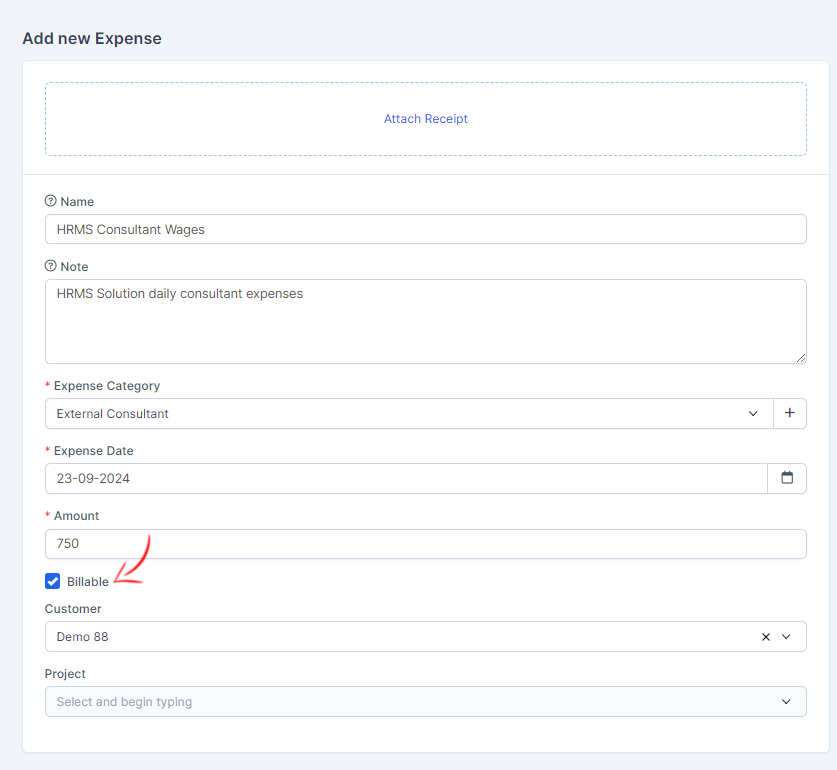
You can create billable expense to you customers. When adding new expense select customer and new checkbox will be shown. Check the checkbox billable and you will be able to convert this expense to invoice.
By default the expense amount will be in your base currency. If you choose this expense to be billable the currency will be changed according to the customer currency.
Note that if the customer currency is system default the currency will stay as what base currency is defined.