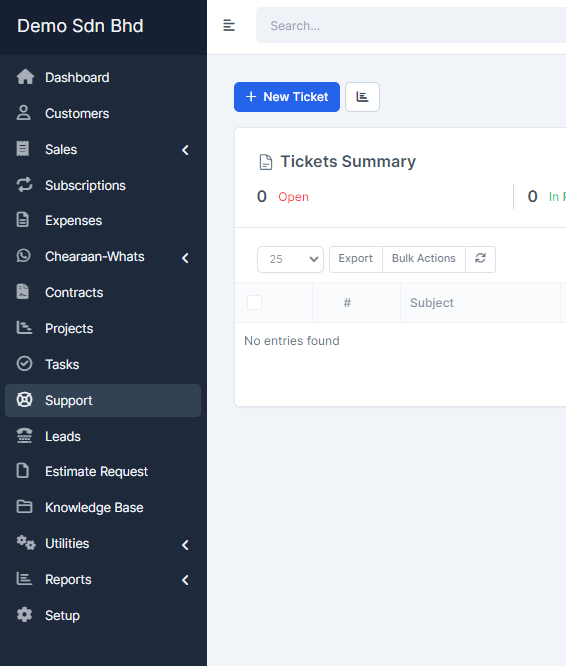
To open new ticket click on the sidebar menu item Support -> New Ticket
- Select assignee. (Default is you and also you can set it to none)
- Select customer
- Select department
- Select desired priority
- Add ticket subject
- Add ticket message
To and Email address is field automatically so that means that you can add from this fields. This fields are only used for preview.