File Management screen used to create and manage files
Each employee and customer will have 2 default display sections, Inbox and #Team. For the #Team section, everyone can see it and have full rights to operate. The Inbox section is for employees or customers only. When creating a new section, it will belong to the creator object itself
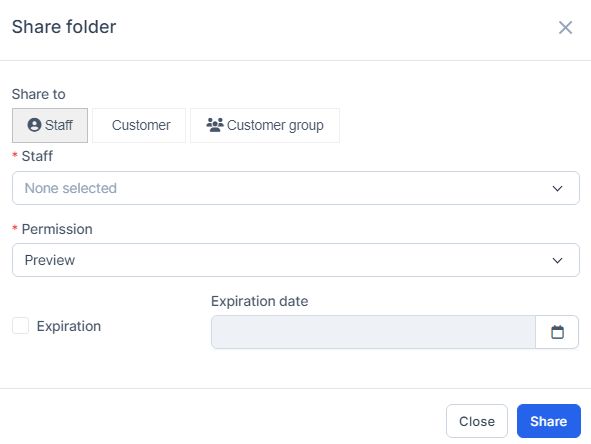
- Step 1: Select the Document Management module -> Select the File Management menu -> Select the Create new Section function in the screen
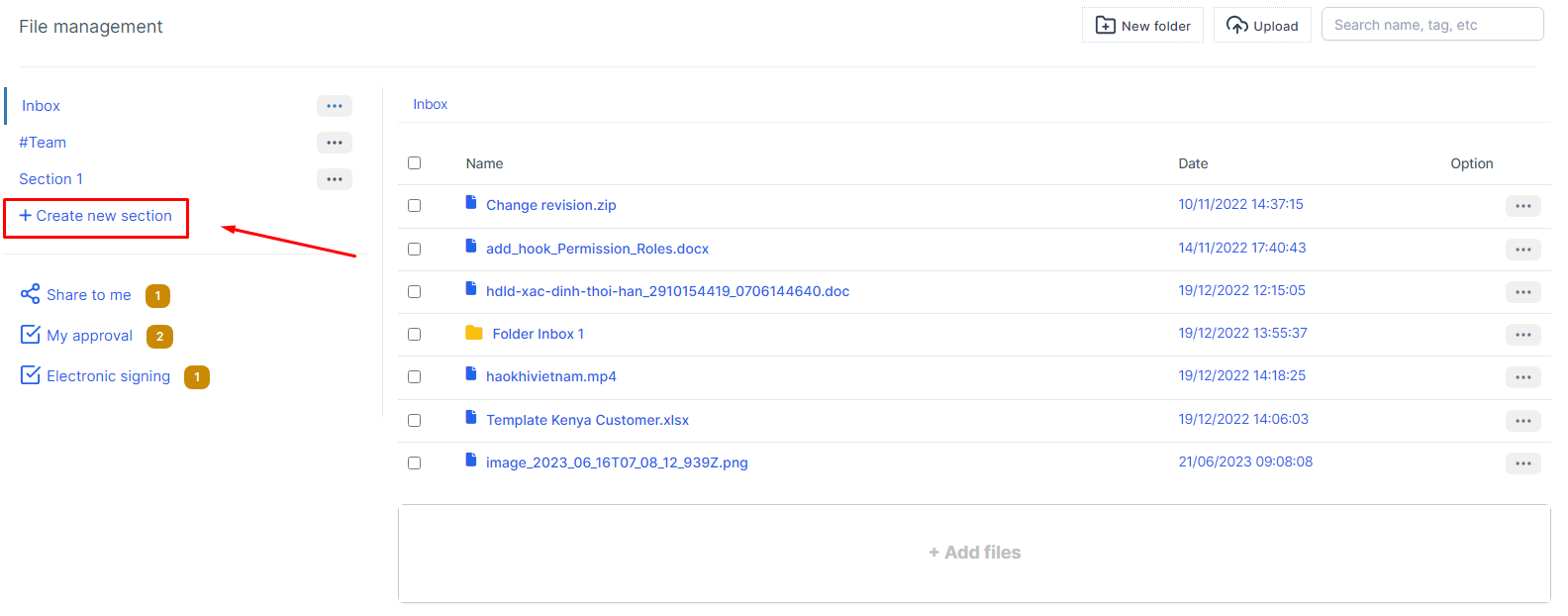
- Step 2: The system will display the New section screen -> Proceed to enter the necessary values -> Select Save to save the action you just made
2.Edit section
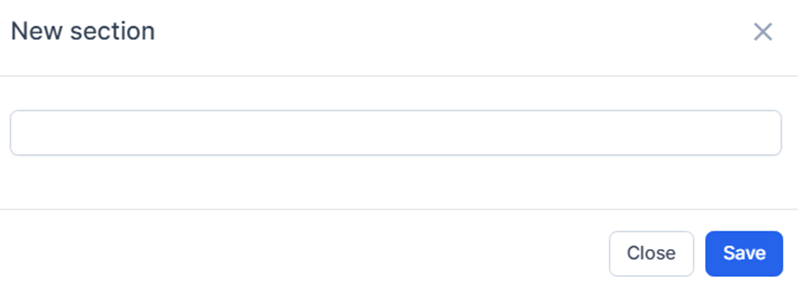
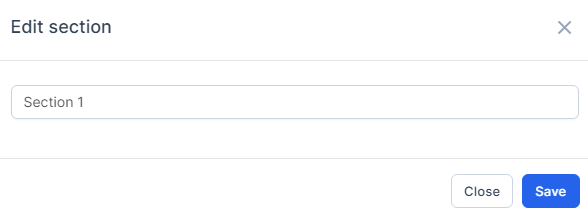
- Step 1: In the File Management screen -> Select the Edit function corresponding to the Section to edit information
- Step 2: The system will display the Edit section screen containing the corresponding information of the Section -> Proceed to enter the value to be edited -> Select Submit to save the action just done
3. Share Section
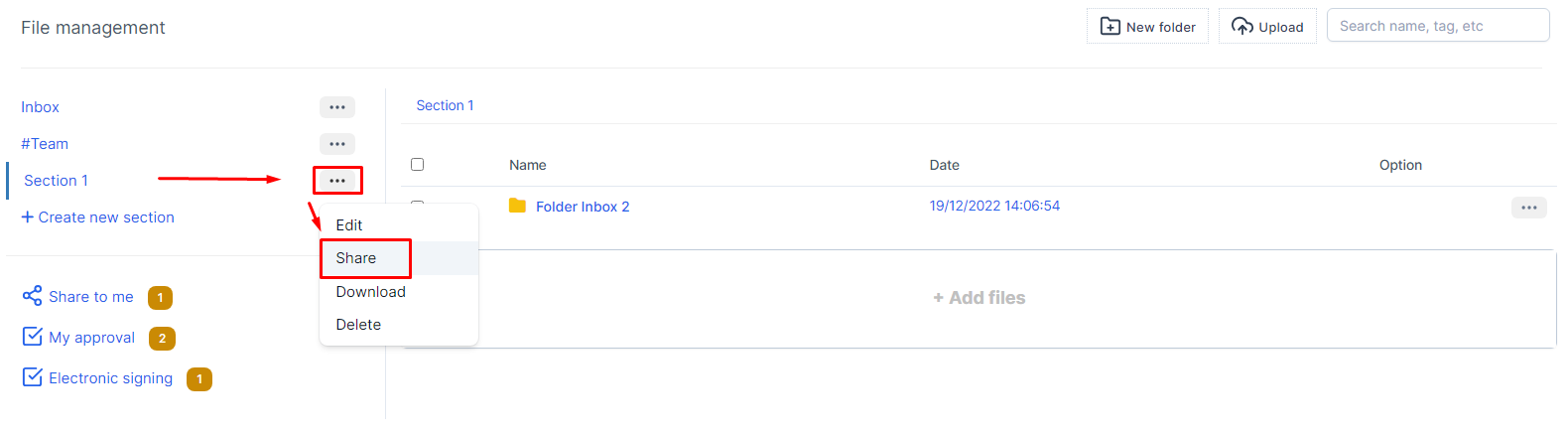
The shared section will show up in the Share to me screen for shared employees/customers
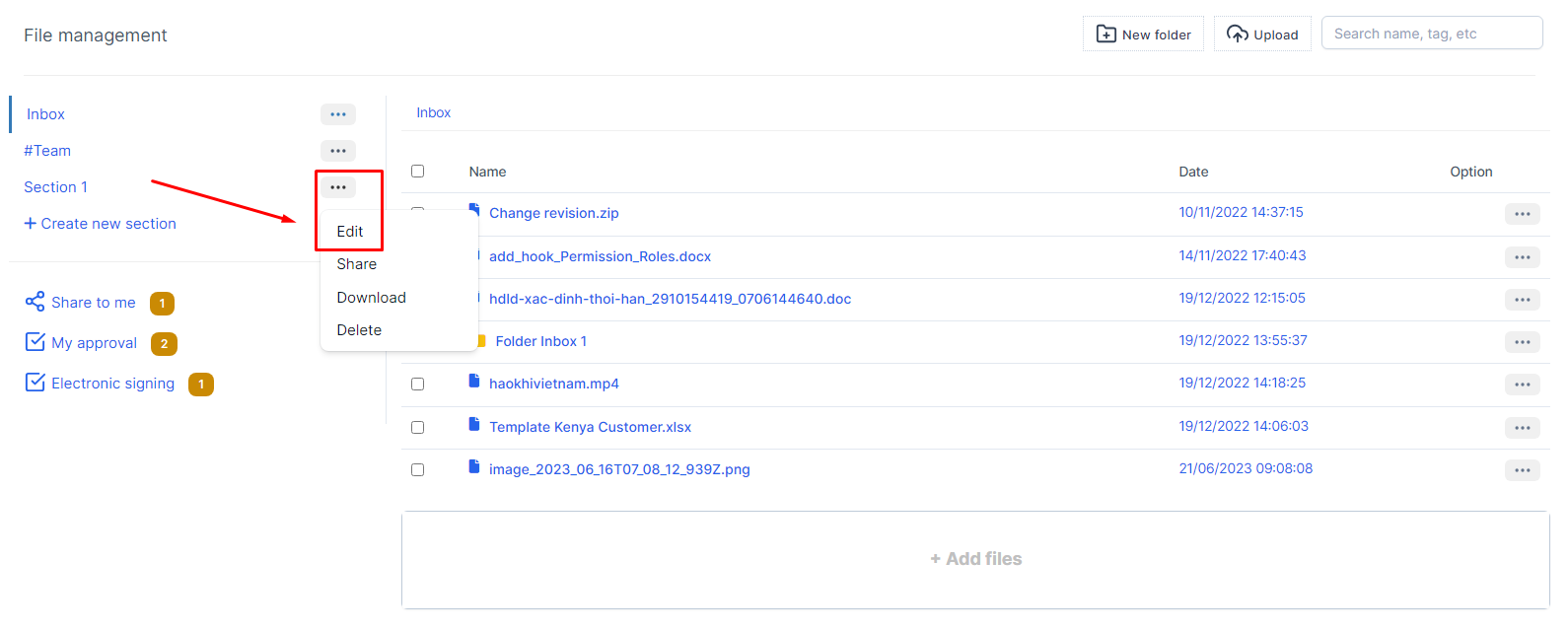
- Step 1: In the File Management screen -> Select the Share function corresponding to the Section to share information
- Step 2: The system will display the Share folder screen -> Proceed to select the necessary values -> Select Share to share to the selected object