- Step 1. Go to Settings menu under the Accounting module in the left sidebar -> Select the Mapping setup menu -> Select the General tab
- Step 2. Click on the Add button
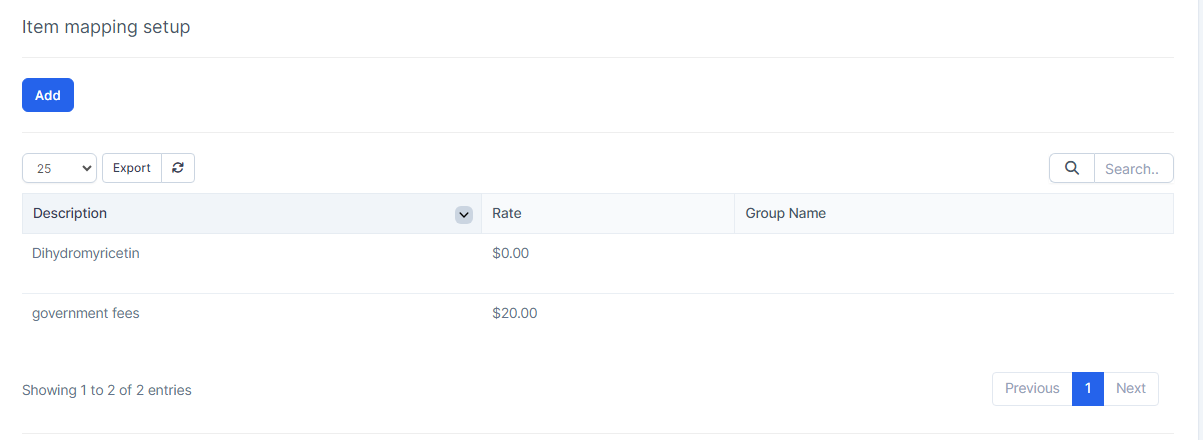
Step 3. In the Item mapping setup popup, fill in the following details:
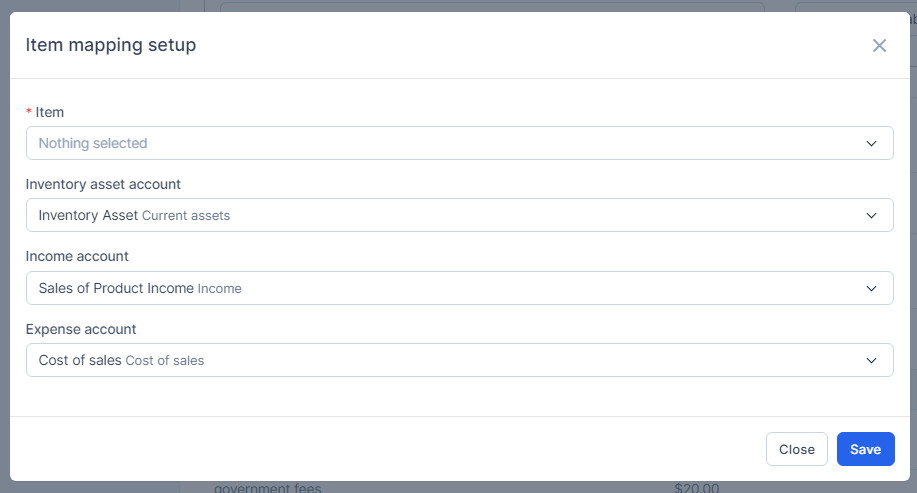
- 1. Select the Item
2. Select the Inventory asset account: If the item selected above belongs to inventory receiving, inventory delivery, loss & adjustment will map to this account
3. Select the Income account: will map to this account when you create invoice from this product
4. Select the Expense account: will map to this account when incurring costs from this product (the current version has not processed this field, just stopped at the declaration level) - Step 4. Click on the Save button