- Step 1. Go to Settings menu under the Accounting module in the left sidebar -> Select the Mapping setup menu -> Select the General tab
- Step 2. Click on the Add button
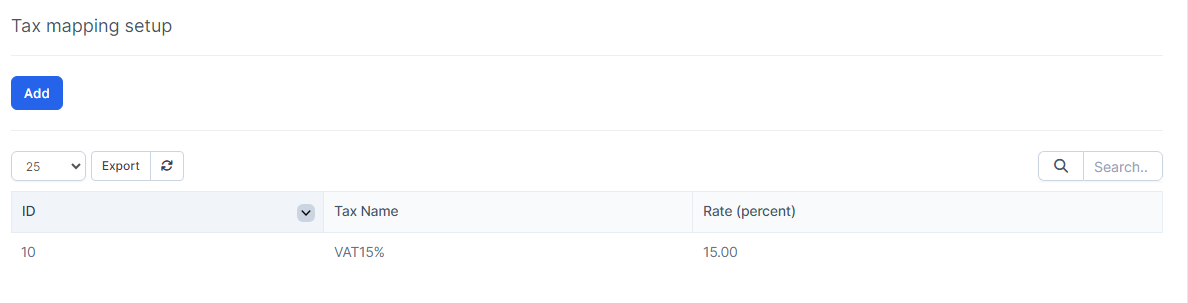
- Step 3. In the Tax mapping setup popup, fill in the following details:
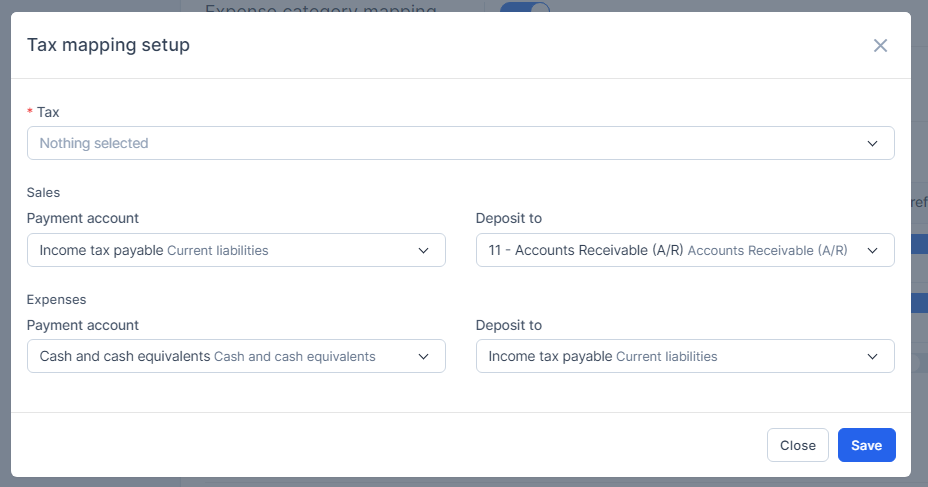
- a. Select the Tax
b. Select the Payment account and Deposit to of Sales: select accounts for special tax mapping in invoices
c. Select the Payment account and Deposit to of Expenses : select accounts for special tax mapping in expense - Step 4. Click on the Save button