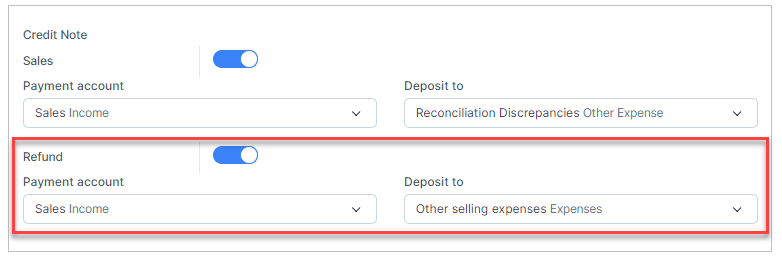
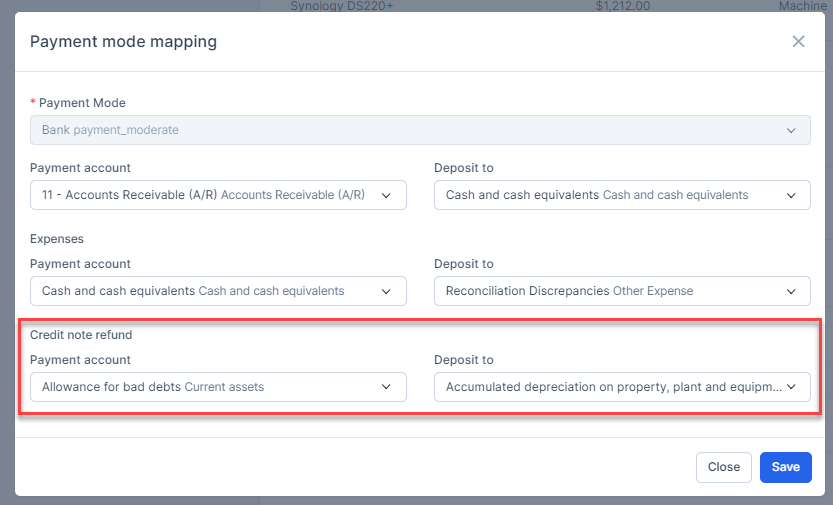
- Step 1. Enable the Credit Note Refund mapping and Payment Mode Mapping
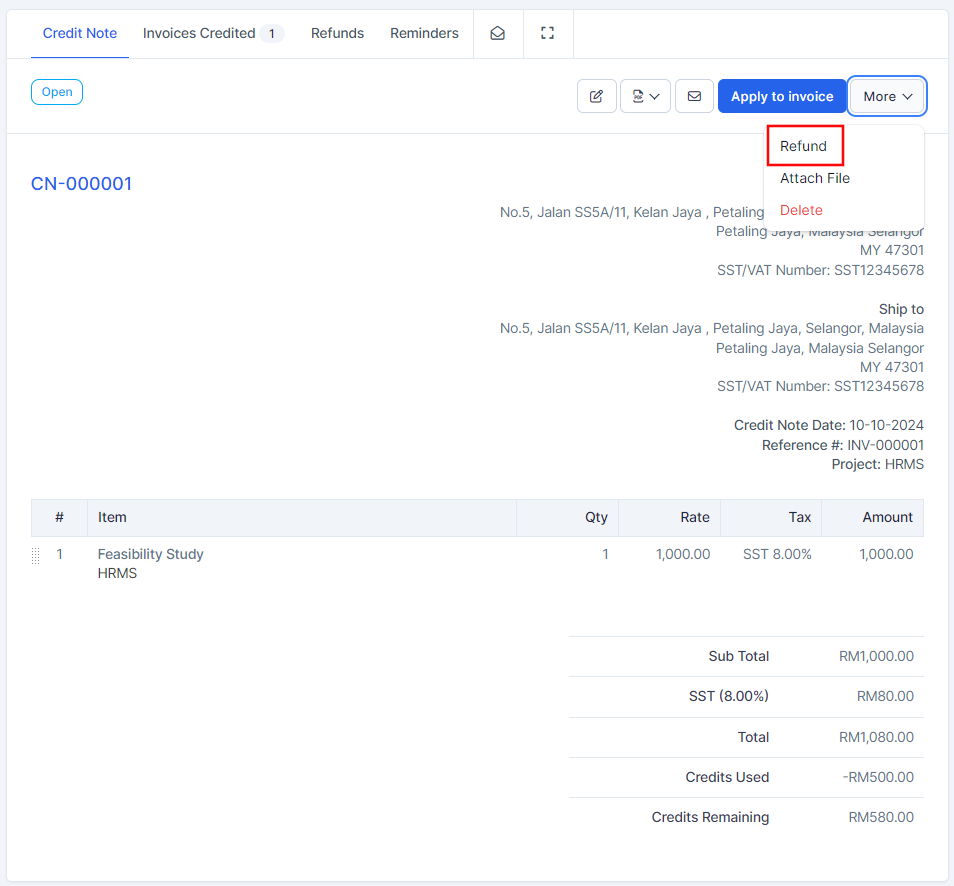
- Step 2. In the credit note page detail -> Click on the More -> click on the Refund button.
If the credit note refund meets the conditions of payment mode mapping, the mapping will be prioritized according to Payment mode mapping
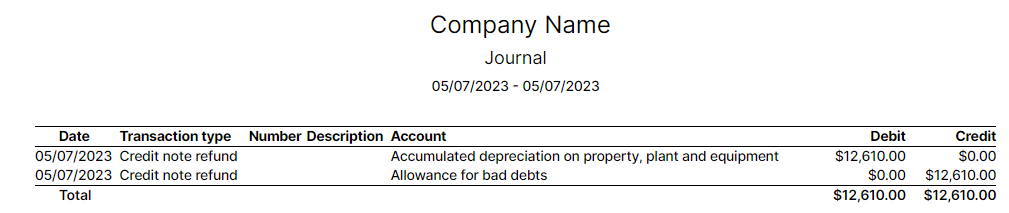
- Otherwise, credit note refund will be mapped according to Credit note refund mapping
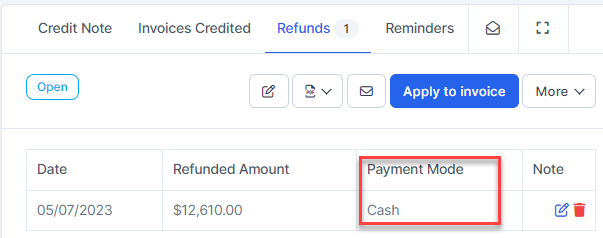
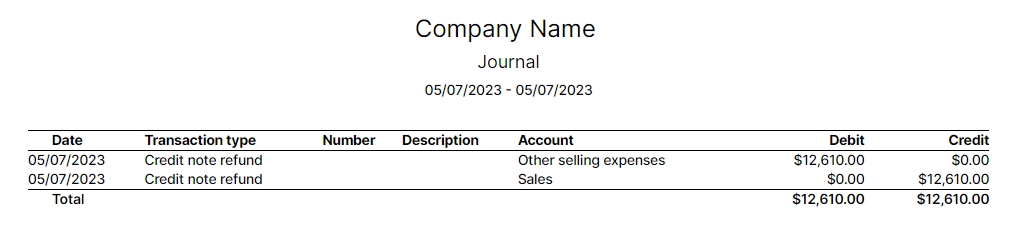
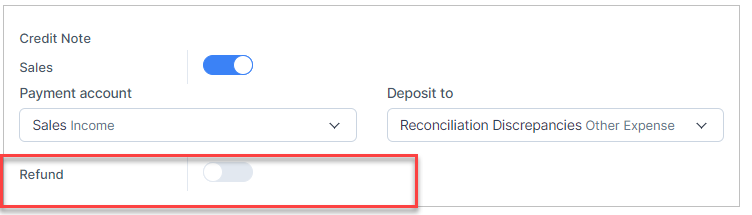
NOTE: If the Credit note refund mapping is disabled, credit note refund cannot be mapped to account.
Delete Credit Note Refund
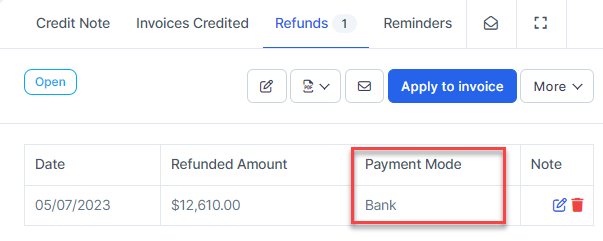
- Step 1. Go to the credit note page detail -> Select the Refunds tab -> click on the Delete button
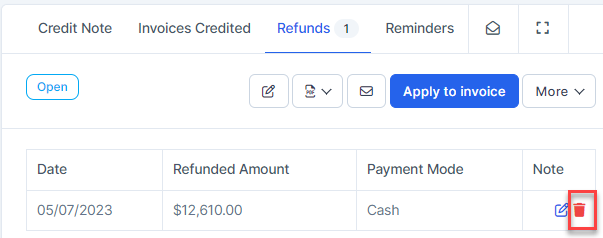
Result: this credit note refund is removed from the report and related accounts.