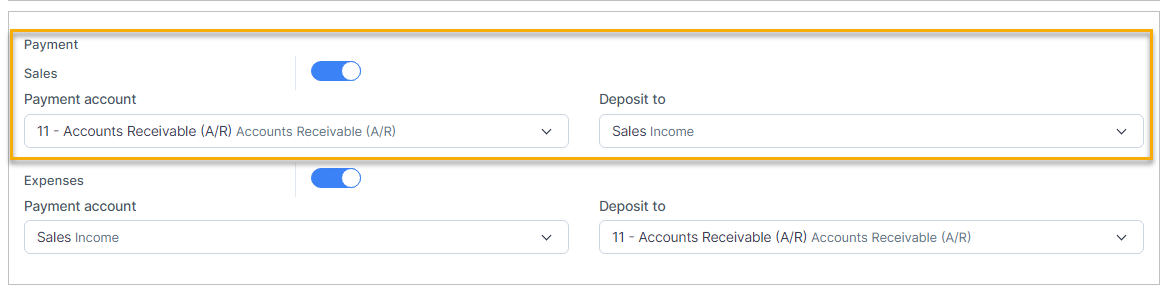
- Step 1. Enable the Payment mapping
- Step 2. Select an invoice and create a payment
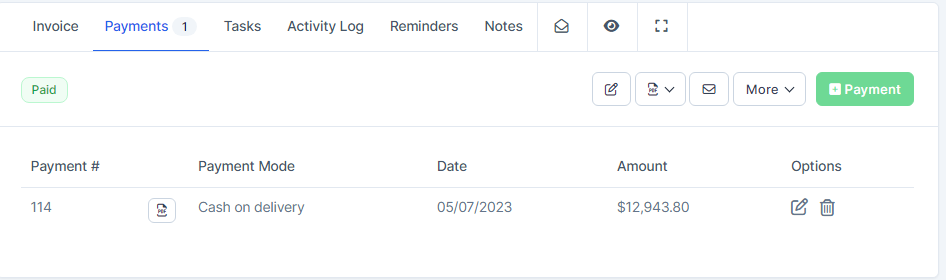
After the payment is created successfully, the payment is automatically mapped, you can check the payment is mapped or not at Transactions menu -> Sales -> Payment
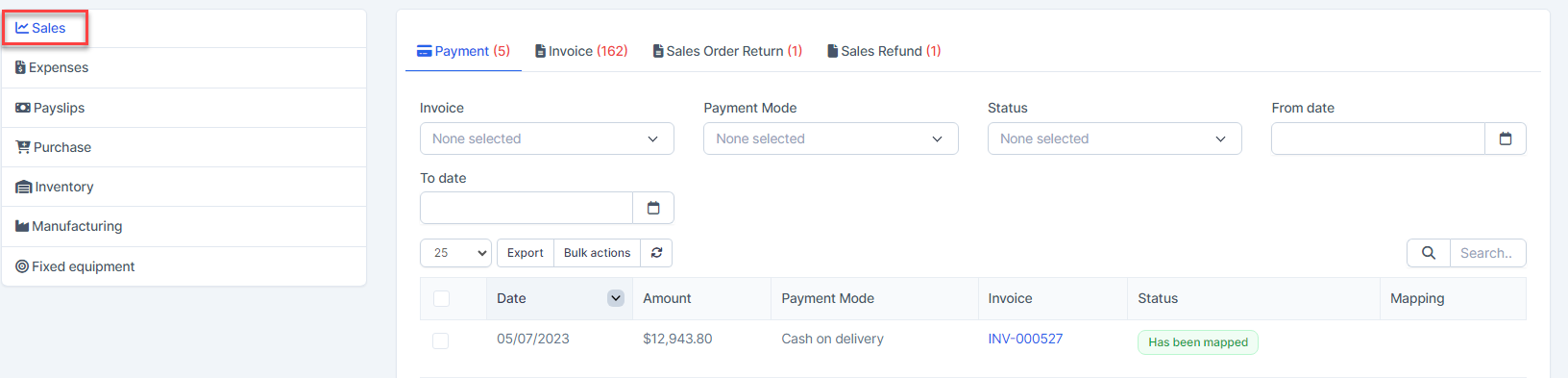
Mapped data is displayed in the report

Automatic payment mapping that contains special payment mode
- Step 1. Enable the Payment mode mapping and create the payment mode mapping
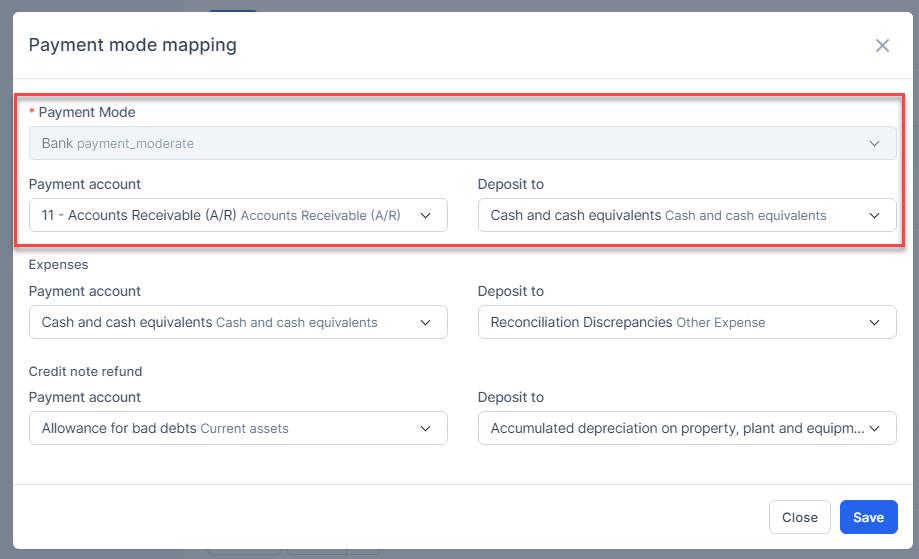
- Step 2. Create the payment from a invoice with payment method is Bank
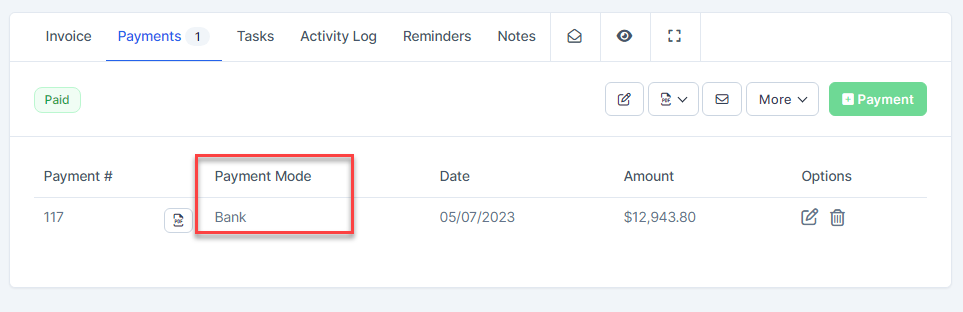
Result:
Delete the Payment
Go to the invoice page detail -> Select the Payments tab -> click on the Delete button
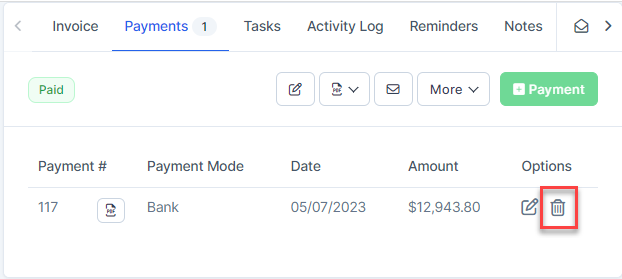
Result: payment is removed from the report and related accounts.